Tersa
A terminal coding agent that keeps the model, tools, permissions, and remaining context visible while it works.
- Role
- Product design and engineering
- Disciplines
- Product design, Engineering
Context
I kept running into the same problem with coding agents. The command would start, the agent would begin changing files, and the information I needed to judge what it was doing would disappear into menus or logs. I could see the answer, but not always the model, permissions, tools, or amount of context behind it.
Insight
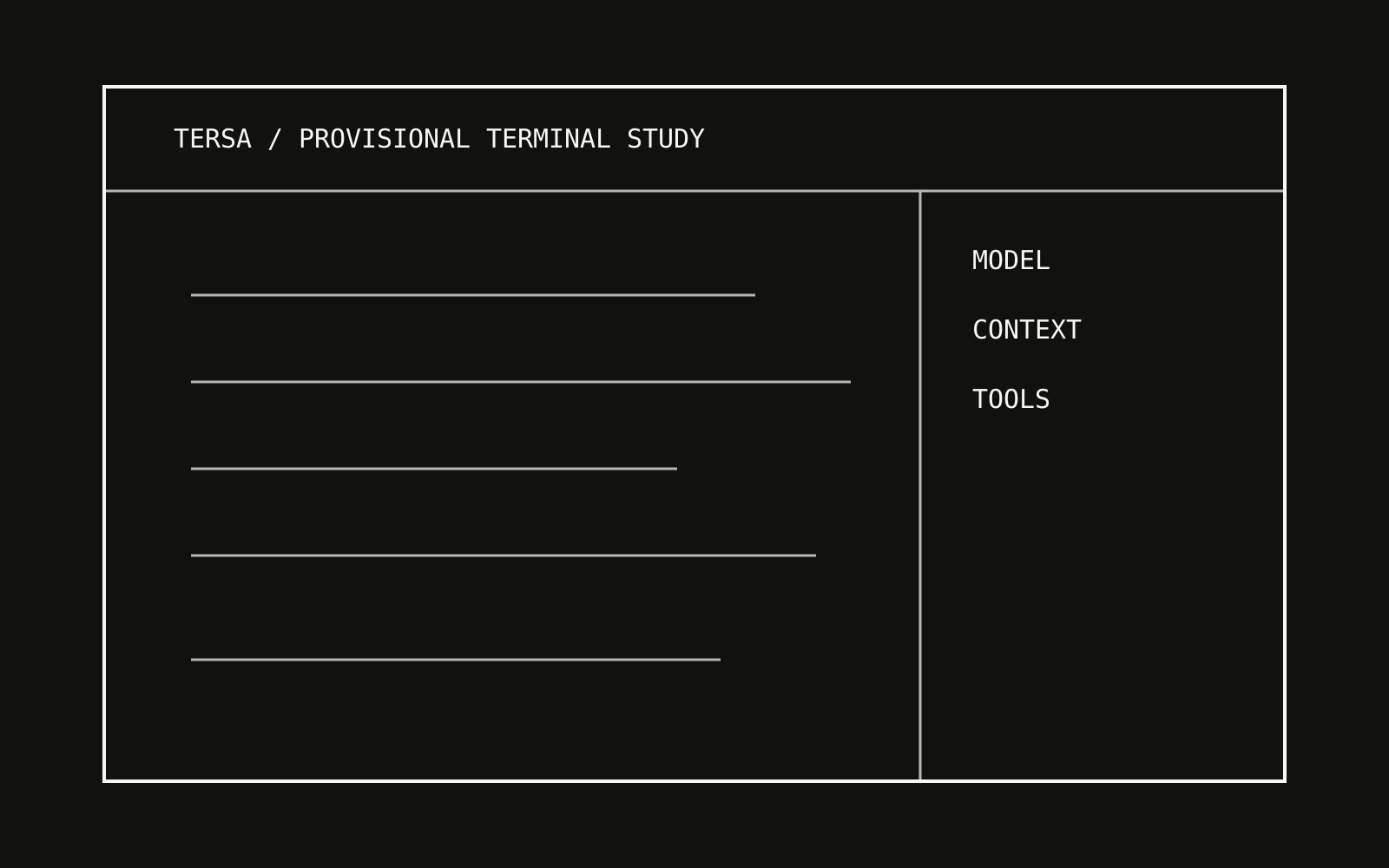
At first I thought Tersa mainly needed a cleaner terminal. That was incomplete. The terminal already worked. What was missing was a stable view of the system around the conversation, so I could tell what the agent knew and what it was allowed to touch without stopping the work.
System
A request enters with the current project context and only the tools the user has allowed. Tersa sends that bundle to the chosen model, then returns the result to the same terminal while keeping the model, permissions, and context use visible.
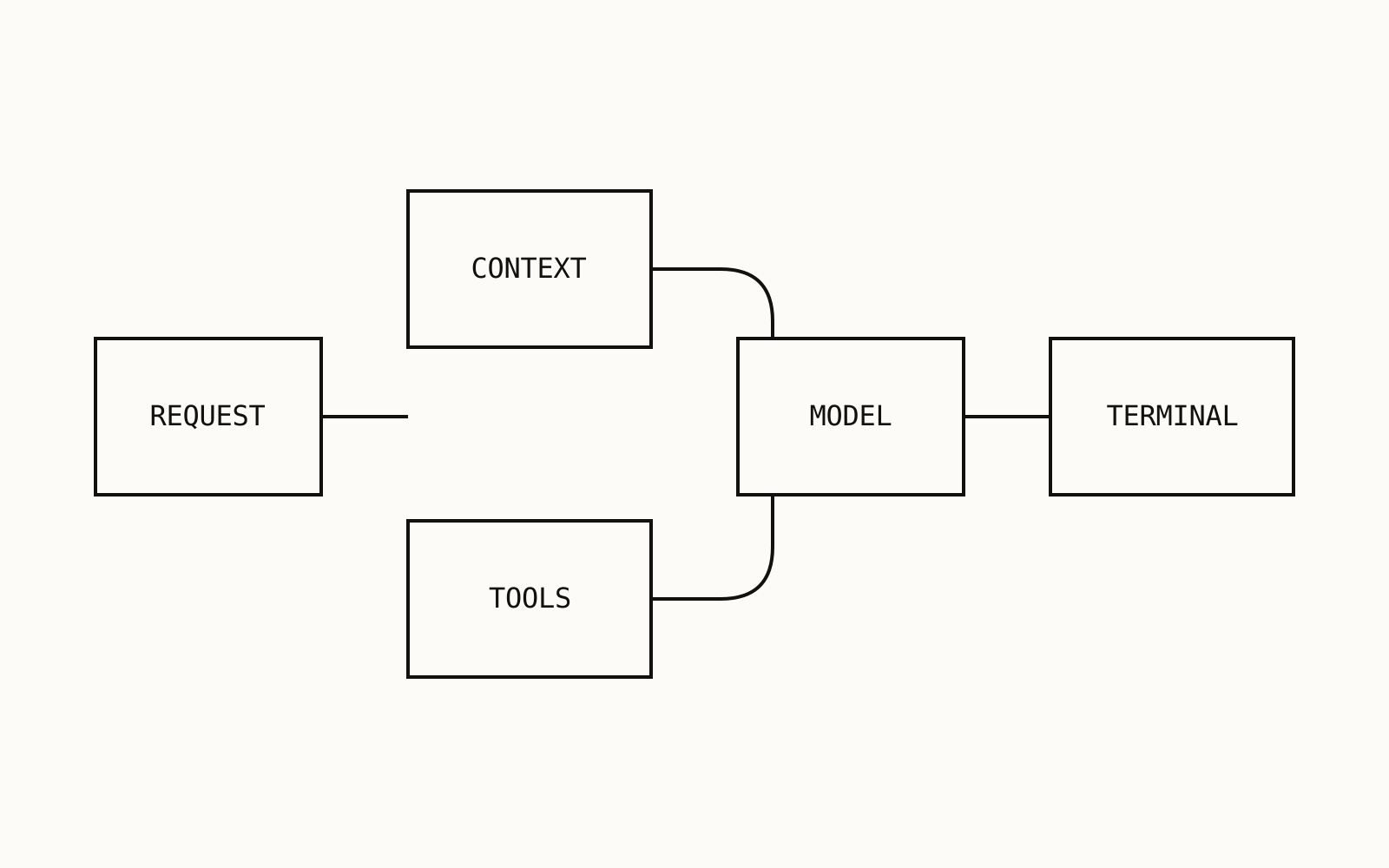
How the system is separated
Provider access, permissions, session state, commands, and rendering are kept apart. One part can change without turning every provider or interface into its own version of Tersa.
Decisions
- Show the state
The provider, model, intensity, and context count stay on screen because they change how I read the answer.
- Give commands different entrances
App controls and extensions use different prefixes. I should not have to guess if a command changes Tersa itself or calls an outside tool.
- Let the terminal behave like a terminal
Keyboard flow, stable text, and predictable layout matter more here than decorative interface patterns.
Experience
Reflection
Tersa now has the shared interface and provider structure I wanted to prove. I still need final captures and more evidence about how it behaves through long, ordinary work sessions. Until then, the honest claim is that the system works and is being refined, not that it is finished.